 Flag Grids
How to Play Growdoku
- Open the official hub. Use the button above to visit growdoku.com, then continue to the App Store or Google Play listing the site recommends.
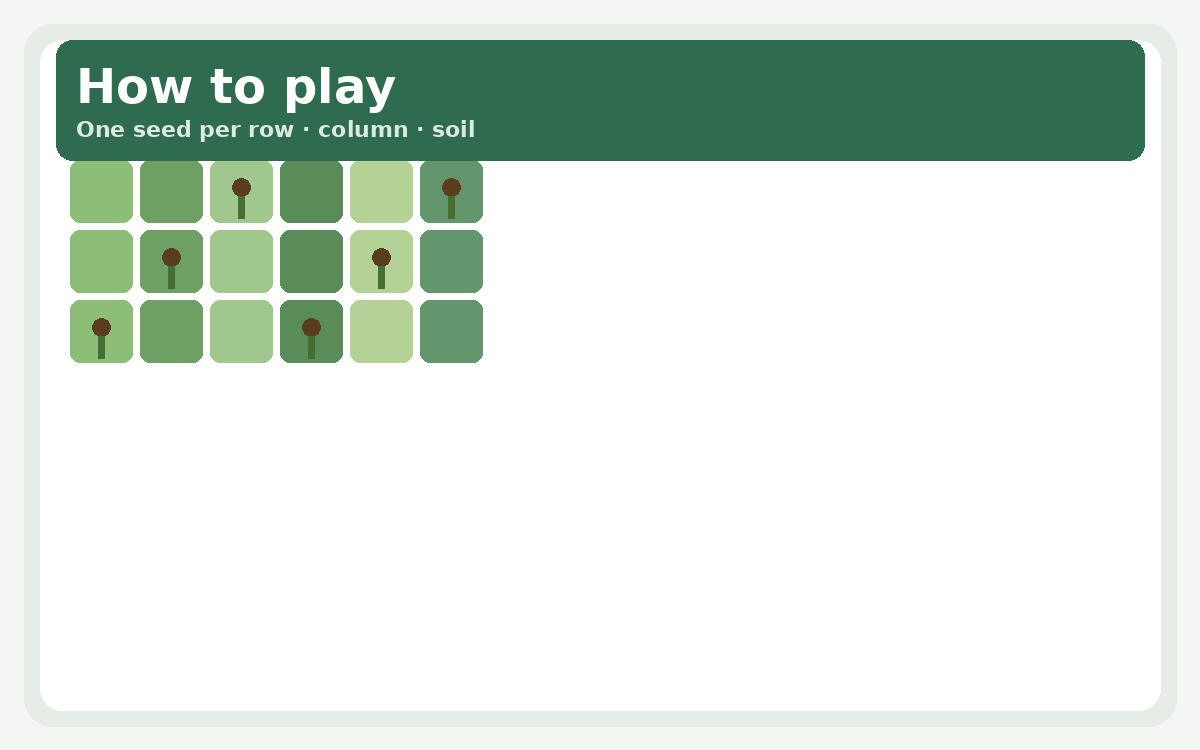
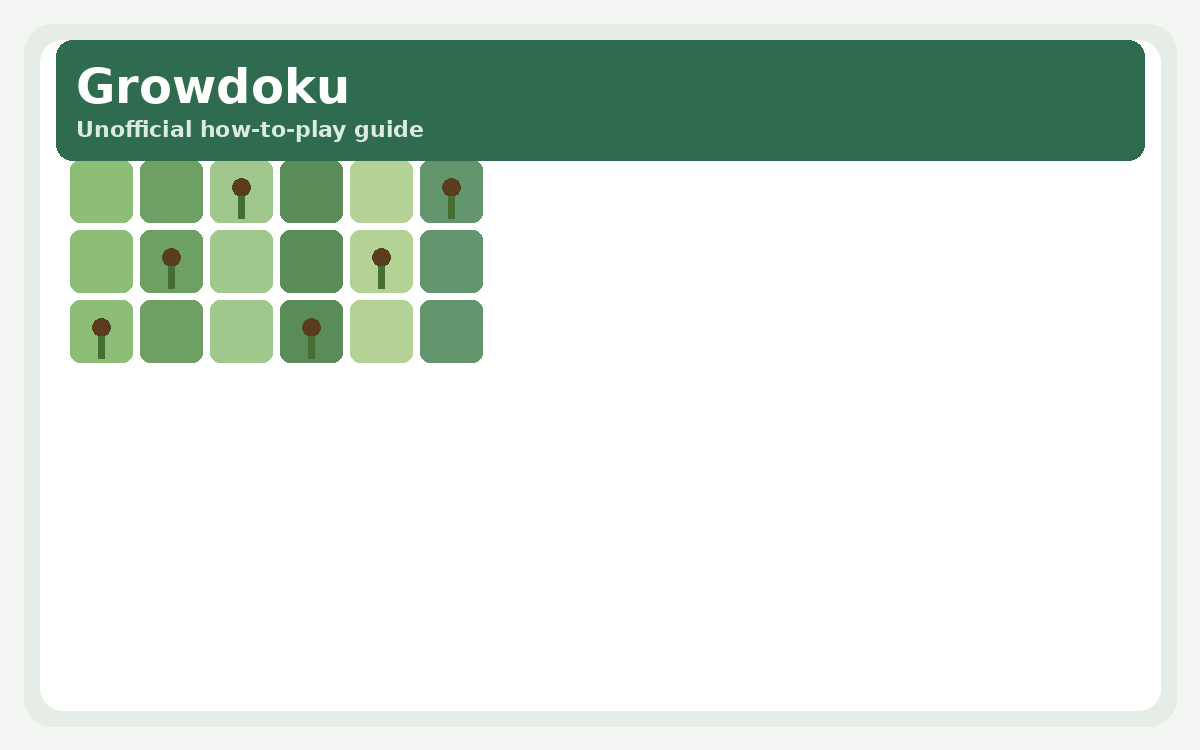
- Read the soil map. Each level is a grid divided into colored soil regions. Colors define which cells belong together for the region rule.
- Place one seed per constraint. Exactly one seed must appear in every row, every column and every soil region — the classic Latin-square / Sudoku skeleton.
- Check the root rule. Each seed grows a root into the cell directly beneath it. That cell must exist and must share the same soil color as the seed.
- Mark impossibles. Use markers and undo freely. There is no timer; deduction beats guessing.
- Grow the garden. Completed levels earn fertiliser for a personal garden. After the 203 handcrafted puzzles, infinite mode keeps generating boards.
What Is Growdoku?
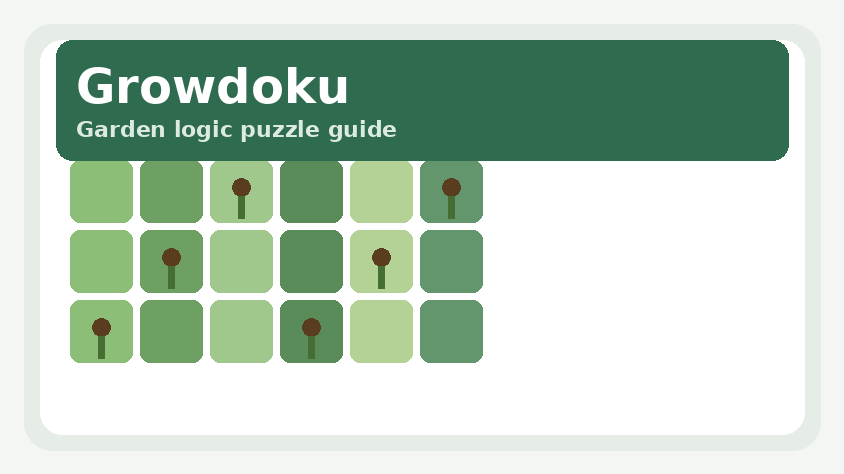
Growdoku blends the clean deduction of a Latin-square puzzle with a gardening fantasy. You plant seeds on a board of colored soil. The familiar rules still apply — one seed per row, column and region — but every plant also needs room to root downward into matching soil. That extra constraint is the heart of the game: a cell can look perfect for the region rule and still be illegal because the tile beneath is the wrong color or missing at the edge of the board.
The official product is a mobile app with 203 handcrafted levels, an infinite mode, hints, markers, undo and a personal garden you feed with fertiliser earned from clears. The public hub is growdoku.com. Flag Grids keeps this page as an outbound guide only: we do not iframe the site or host a clone client.
Core Rules at a Glance
| Rule | Meaning |
|---|---|
| Rows | Exactly one seed in each row |
| Columns | Exactly one seed in each column |
| Soil regions | Exactly one seed in each colored patch |
| Root | The cell directly below the seed must exist |
| Soil match | That root cell must share the seed’s soil color |
Early levels teach the root rule gently. Later boards tighten regions, stack near-miss colors and force multi-step elimination. Because there is no clock, the skill is patience: mark every cell that cannot host a seed, then place only when a line or region has a single survivor.
Tips and Strategies
1. Start from short rows and skinny regions
Constraints with fewer cells collapse first. Fill forced seeds early so the root rule can delete candidates elsewhere.
2. Check the cell below before you commit
A gorgeous region singleton is still wrong if the root would hang off the bottom edge or land in another color. Train yourself to glance down every time.
3. Use markers like Sudoku pencil marks
When two cells remain possible in a region, mark both instead of guessing. Markers turn the board into a readable deduction map.
4. Undo is part of the loop
Growdoku expects experimentation. A quick undo after a contradiction beats restarting the level.
5. Save infinite mode for after the campaign
The 203 handcrafted gardens teach motifs you will reuse in infinite mode. Rushing to endless boards before the tutorial curve finishes usually means more hint taps and less learning.
Growdoku vs Games on Flag Grids
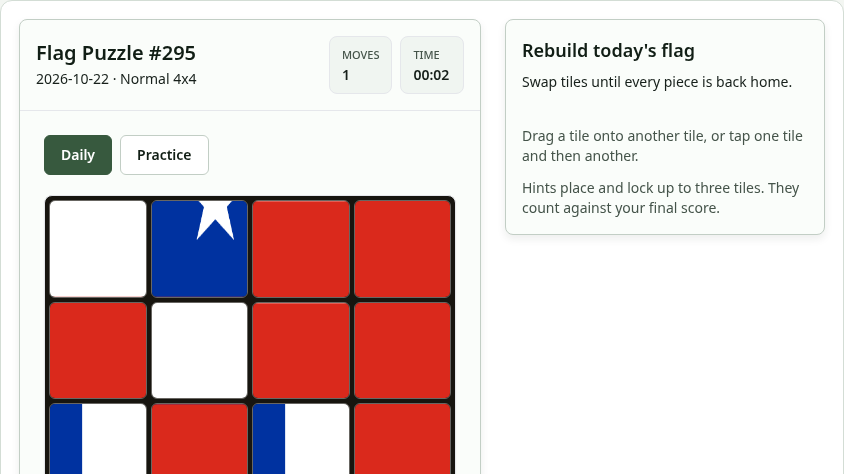
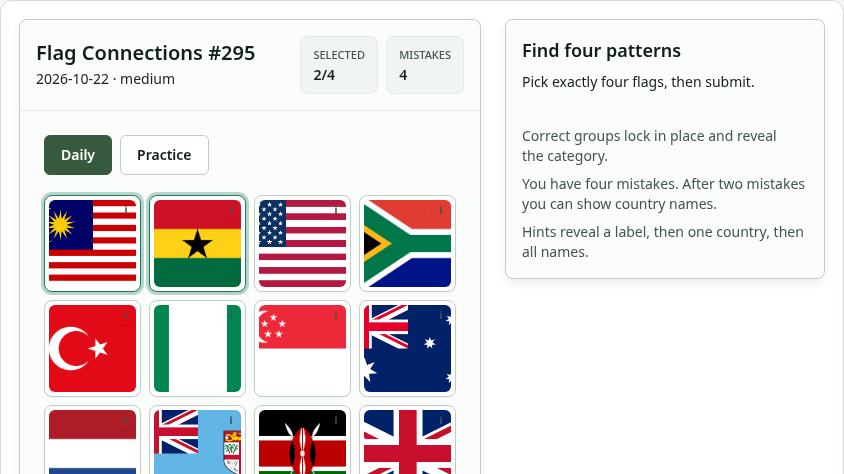
If you want browser flag and geography playables without leaving this site, try Flag Puzzle, Flag Connections or Guess the Flag. Those train visual memory and map sense. Growdoku trains pure grid deduction with a gardening theme and lives in the mobile apps linked from growdoku.com. Prefer a shared daily story road instead of a static grid? Read our Wanderdle guide.
Source and Disclaimer
Rules and feature counts above follow the public descriptions on growdoku.com and the official store listings (Splitter Studio / Levi van Ham). This Flag Grids article is unofficial, contains original explanatory copy and never embeds Growdoku. For downloads, updates and support, use growdoku.com and the linked app stores only.